

01
Parametric modelling
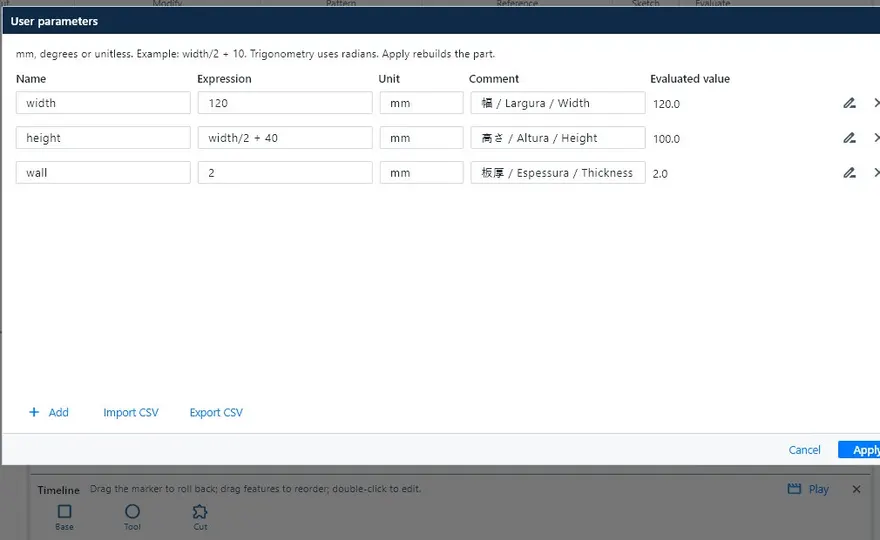
Constrained, dimensioned sketches, extrude, revolve, sweep, loft, fillet, chamfer, shell, rib and patterns. Parameters and formulas (width/2 + 10) and an editable timeline.
Model in 3D, unfold the sheet, build the weldment and leave with the JIS drawing, the bill of materials (部材表) and the cutting DXF. Built by KOMORI for the shop floor.
Version 0.31 · Windows · macOS (Intel and Apple Silicon) · Linux
This demonstration case was generated and exported by KoCAD itself: a 900 × 450 × 400 mm platform with 43 parts. Switch modes, click the parts and follow the 3D → 部材表 → DXF flow.

This browser does not support WebGL. The bill of materials and the DXF files below are still available.
The 3D view could not be opened in this browser.
Model, bill of materials and DXF are real files exported by KoCAD from a demonstration case (no customer data). Purchased items (feet and handles) are shown in orange, as in KoCAD, until the supplier code is confirmed. · Software licences
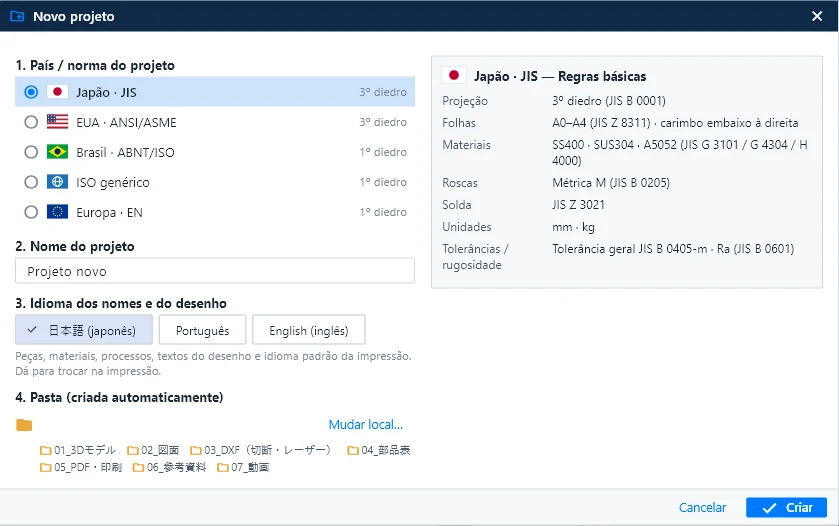
New (Ctrl+N), New assembly and New drawing all start from the same window: country / standard, name, drawing language and a ready-made project folder.
Material catalogue: JIS today; the other standards arrive as packs (see “What’s coming”). KoCAD never uses JIS data unless you choose it. See in the manual ↗
Only what KoCAD already does today, with real screens from the program.
Constrained, dimensioned sketches, extrude, revolve, sweep, loft, fillet, chamfer, shell, rib and patterns. Parameters and formulas (width/2 + 10) and an editable timeline.
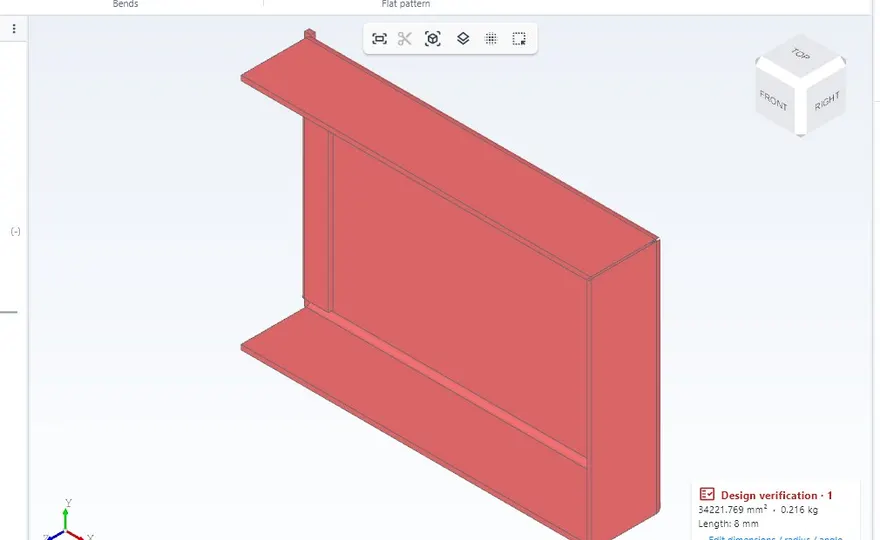
Base flange, edge flanges, hem and sketched bend. Flat patterns with K = 0.44 and a DXF per part, with bend radius, relief and minimum flange rules.
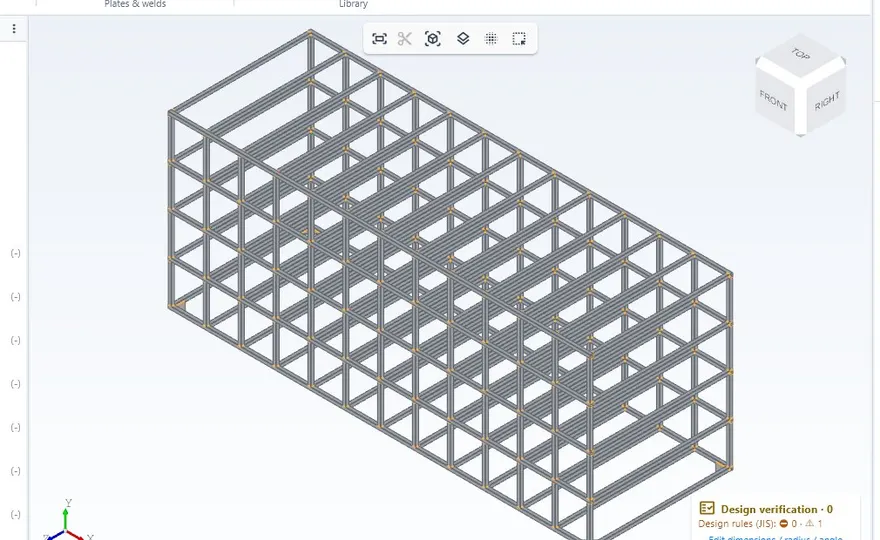
Structural members with JIS profiles, trim and extend, corner treatment, gussets, end caps and weld beads with JIS symbols. Cut list with bar yield.
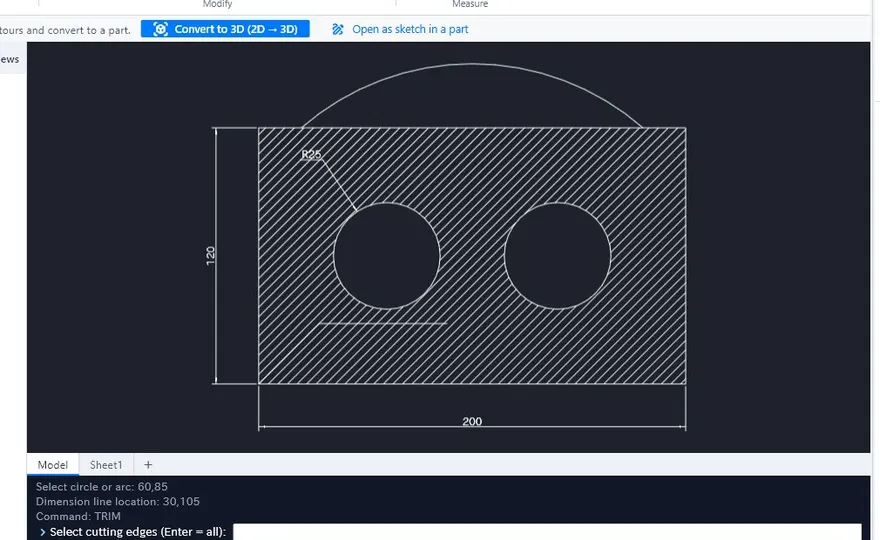
Third-angle views, section, detail and flat pattern, associative dimensions, tolerances, GD&T and balloons. A command line like 2D CAD tools. PDF, DXF and DWG.
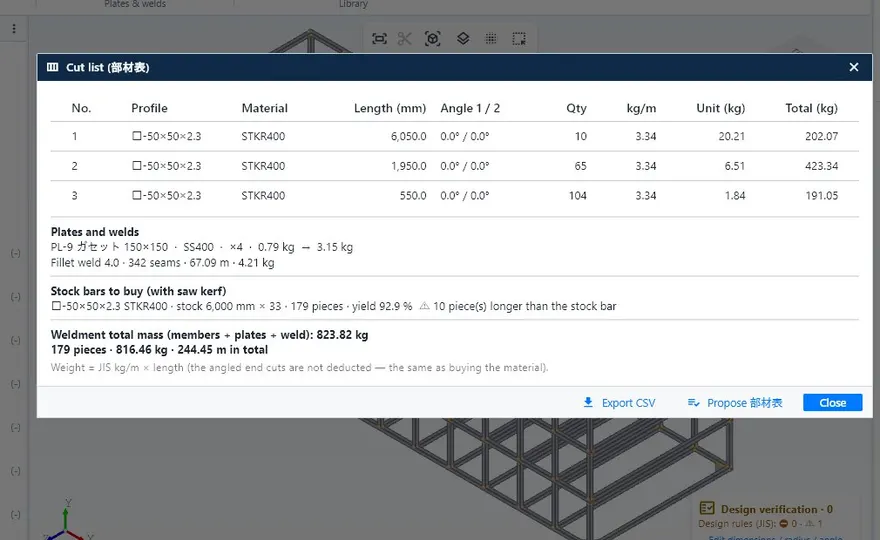
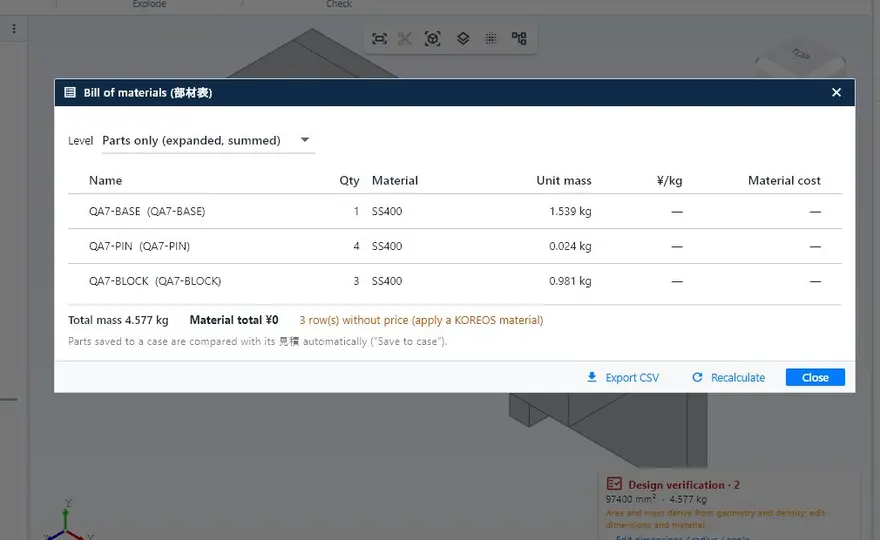
The list comes from the model with profile, length, mass and processes. Export to CSV, Excel or PDF.
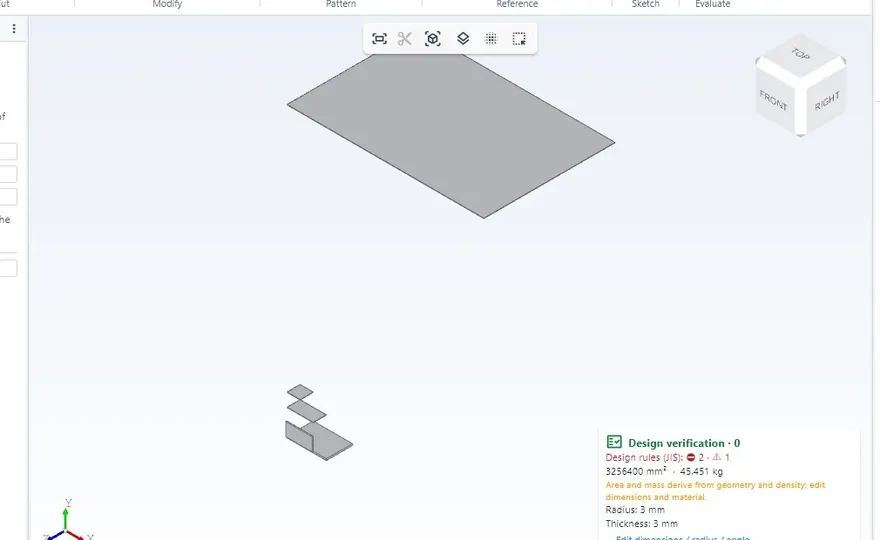
While you model: hole vs bolt, edge distance and pitch, weld vs material, thin sheet, guardrails and stairs. Every warning shows the reason and the source.
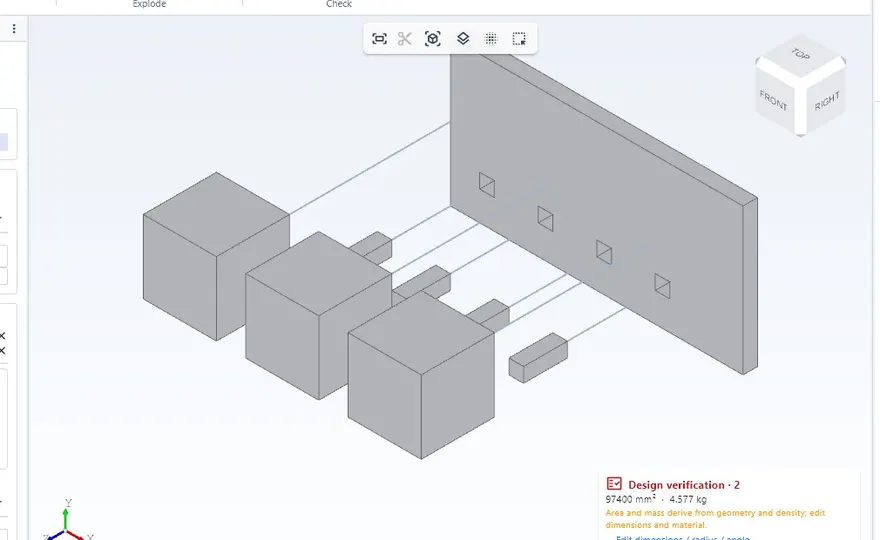
Mates, patterns, interference, exploded views with steps and JIS fasteners chosen by load and thickness.
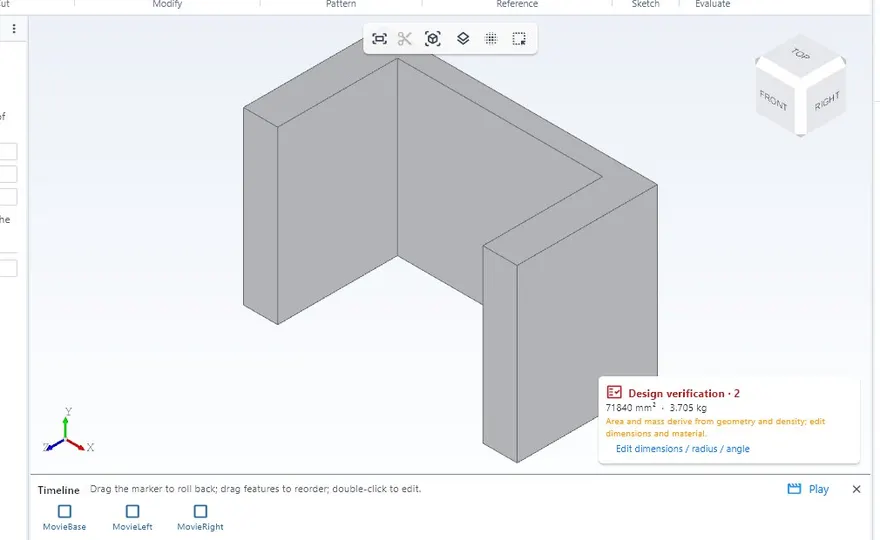
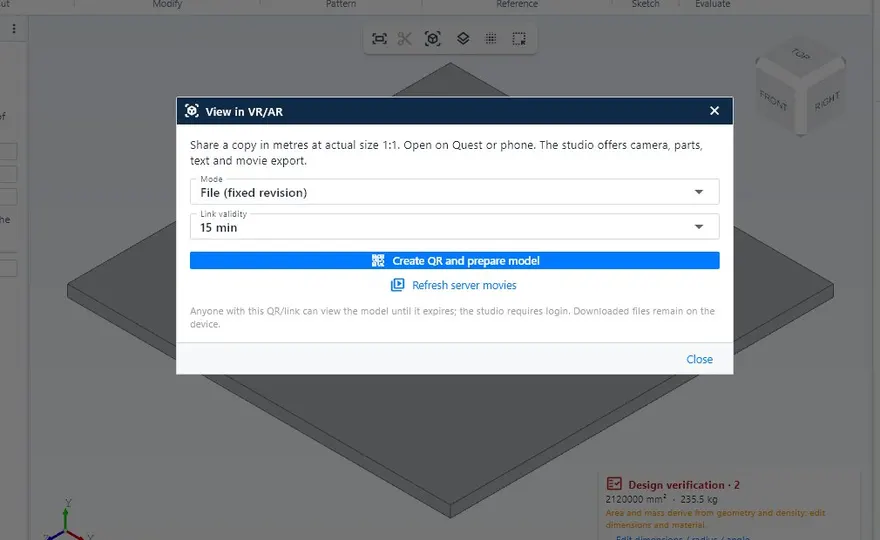
Replay the assembly on the timeline and export MP4 or GIF. Export GLB/USDZ at real size to view it in a VR headset or on a phone.
Static, natural frequencies and buckling of structures, plates under pressure and thermal. It runs in a separate program, only when you ask.
Generates and repairs models from a drawing, photo or description, and KoCAD checks the result before applying it. Customers connect their own AI key or subscription.
Opens fast on ordinary PCs, with or without a graphics card, and works offline. Imports and exports STEP, DXF, DWG, GLB and STL.
What plate and structural designers use every day comes built in: no separate modules, no standards to set up from scratch.
Sheet metal, weldments, 2D drawings, bill of materials and cutting DXF in the same file, with the same interface.
Pick the country in New project: projection, sheets, threads, welding, units and tolerances follow the right standard.
The right projection by itself: third angle for JIS and ASME, first angle for ABNT, ISO and EN.
The list with mass and processes and the DXF of every plate come from the same model. Change the 3D and everything follows.
Hole × bolt, edge distance, weld × material, thin plate, guardrails and stairs. Every warning comes with its reason and source.
Opens fast with or without a graphics card and works offline. Windows, macOS and Linux.
One licence covers up to 3 computers in your company. New machine? Disconnect one and sign in on the new one.
Creates and fixes models from a drawing, photo or description, and KoCAD checks the result before applying it. Use your own AI key.
Features the team is building right now. Each one arrives in a regular update of your licence — no extra cost, no reinstall.
One tab with just the essentials — box, sheet, hole, dimension, drawing and DXF — in large buttons, productive on day one.
Lighting presets to present the model to your customer, with a clean background and smooth camera.
Today the material catalogue is JIS. Standard packs add each country’s profiles, sheets and materials, in that order.
More load and support types, checked against published reference cases before leaving BETA.
Free-form surface modelling and drawings that reference other files and update with them.
Two people never edit the same file at once, and every revision is kept with author and date.
An approval step that freezes the drawing, DXF and bill of materials of the revision sent to the shop floor.
No promised dates: the status changes here as the work moves. Released features show up in the manual’s What’s new.
A one-time installation and an annual licence for up to 3 computers in your company.

3D CAD for fabrication: sheet metal, structures, 2D, 部材表 BOM and DXF.
up to 3 computers
Request accessOnline sales open soon. Request access and our team will contact you.
Prices exclude tax. Incl. tax (10%): ¥550,000 + ¥110,000/year · first payment ¥600,000 (¥660,000 incl. tax).
BETABETA version: KoCAD gets automatic updates almost every day and features may change as they evolve. Your files stay on your PC and never disappear with an update. Support through the client portal.
Specified Commercial Transactions Act (特定商取引法)Terms of usePrivacy
The same articles shown inside the program under Help → Wiki / Guide.
Recommended: 8 GB of RAM; a dedicated graphics card is not required. Internet to sign in, activate the licence and update; after that, local work continues offline. The macOS and Linux versions are in BETA.
The installer is unlocked after purchase, in the customer portal. Already a customer? Sign in to download the latest version.
The installation (one-time) and the annual licence for up to 3 computers, with the updates released while it is active.
After a short grace period the licence expires: KoCAD warns you and blocks saving and exporting. Your files are never deleted and become editable again when you renew.
Yes. Disconnect a device in the customer portal or inside KoCAD and sign in on the new one.
Yes, after signing in and activating. Internet is used to sign in, renew the licence, update and read the manual.
It imports STEP, DXF, DWG, STL and GLB. Closed native formats of other programs are not read directly: export them to STEP.
Bob, the AI assistant, works with your own AI key or subscription. KOMORI’s internal AI engines are not part of the licence.
Full JIS. ANSI/ASME, ABNT/ISO, ISO and EN have the sheet and projection rules; material catalogues for them are not available yet.
The qualified invoice (適格請求書) and the receipt are in the DX Division customer portal.
Buy online or contact KOMORI’s DX Division for a demonstration.
KOMORI株式会社 · DX事業部 · [email protected]