 available · v1.0.4
 available · v1.0.7
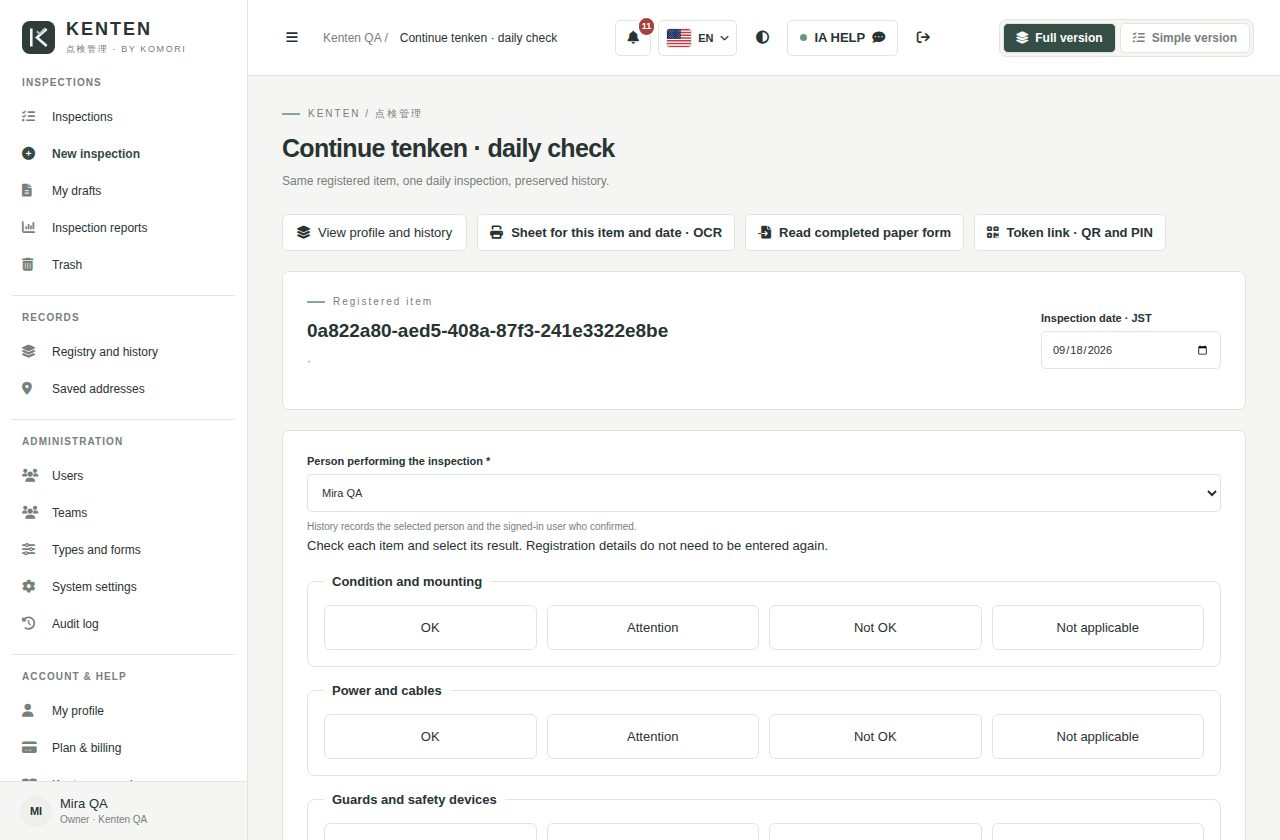
Register once, inspect every day
Register equipment once. Next time, choose the item and record today’s results.
 Kenten
From machinery and construction to vehicles and team routines: choose a template, check the items and keep every result in its history.


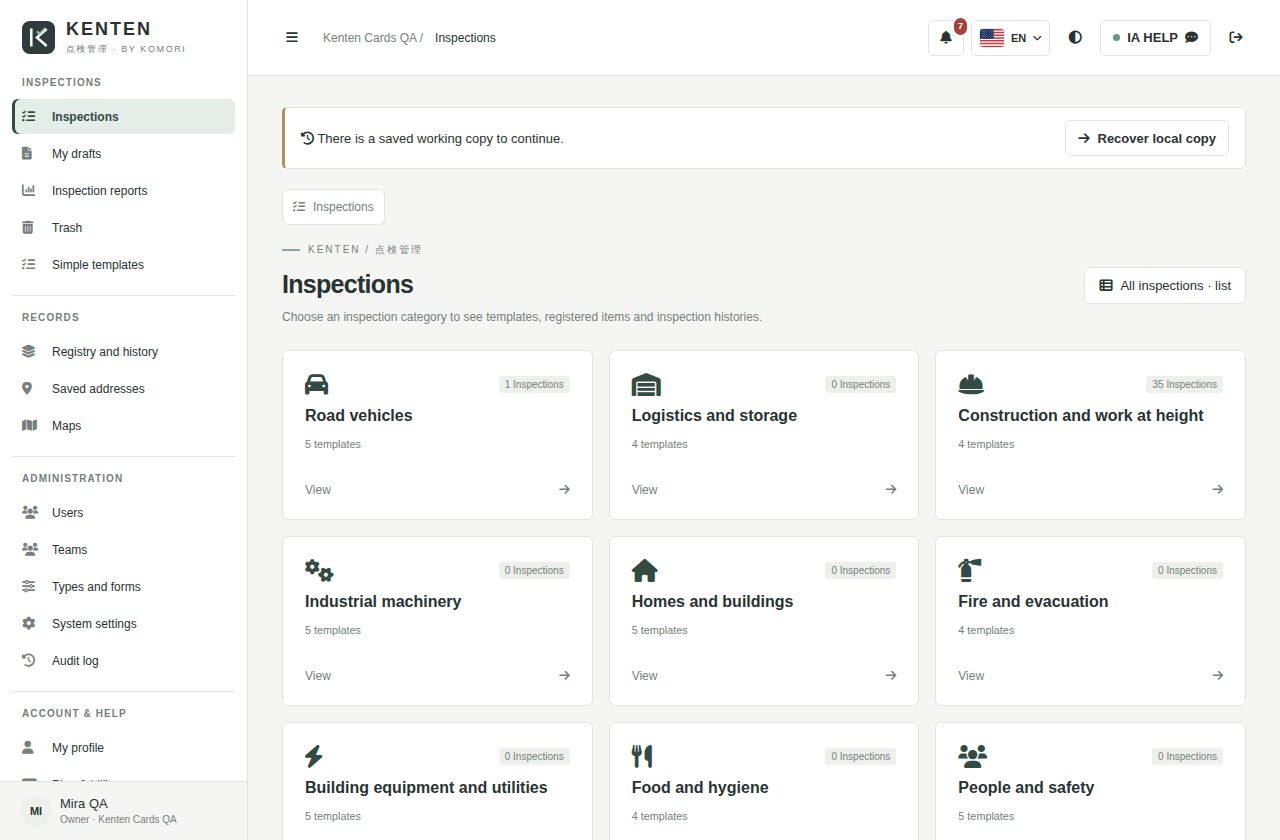
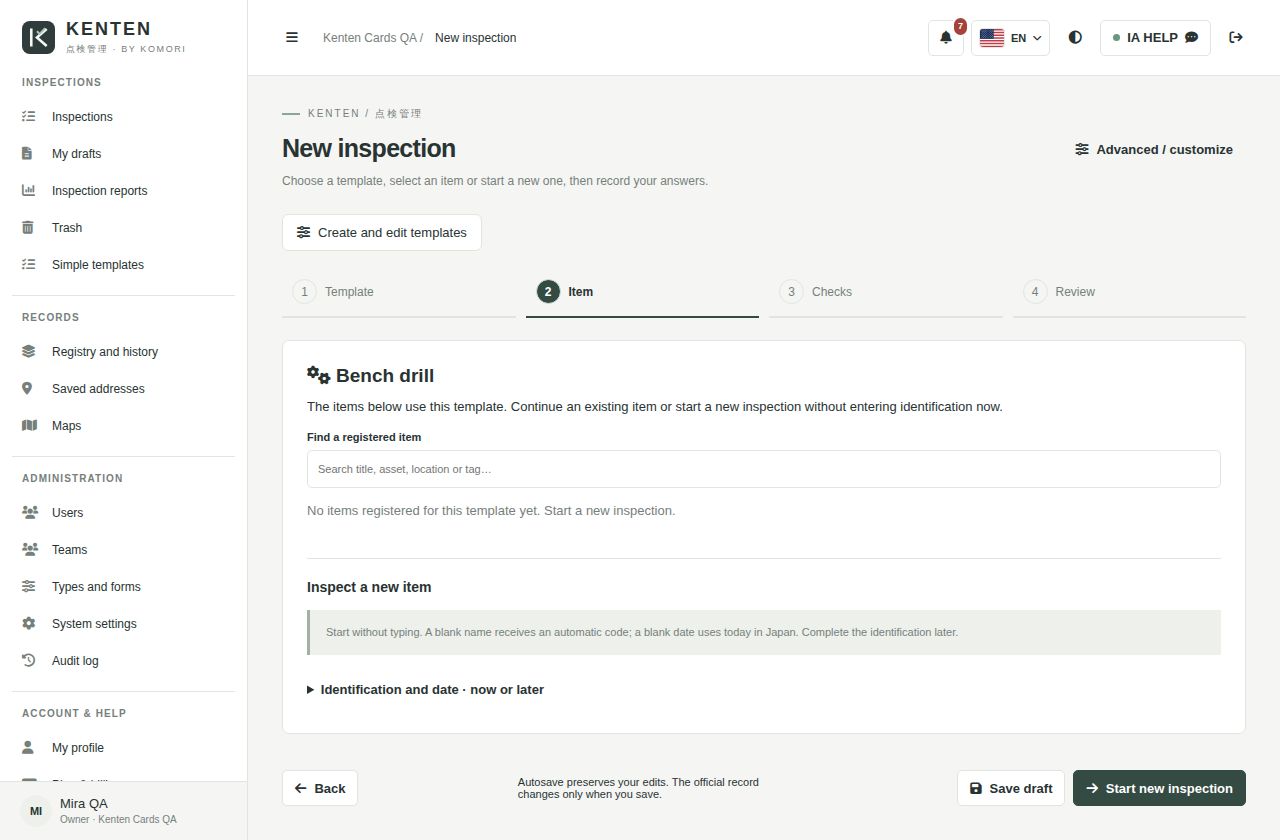
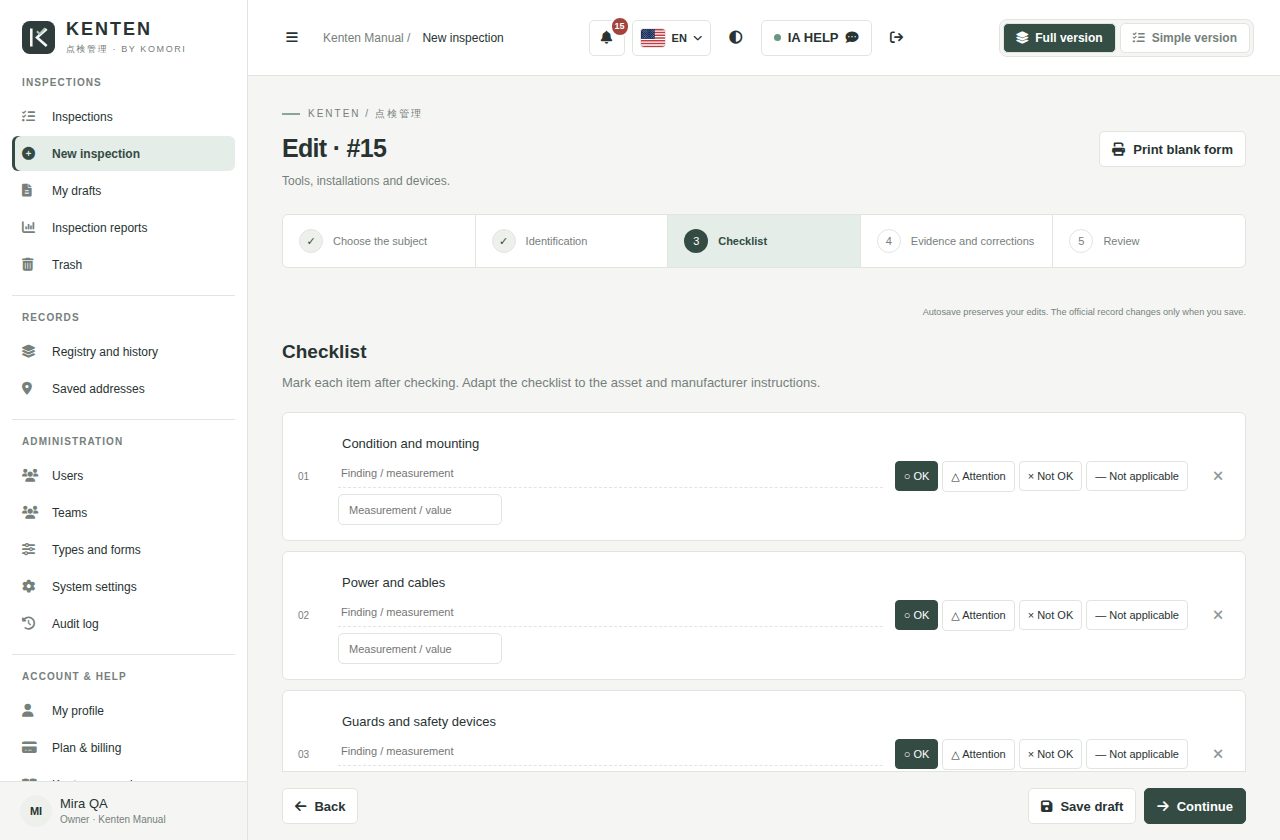
Four outcomes customers can understand immediately.
Register equipment once. Next time, choose the item and record today’s results.
Vehicles, machinery, construction, facilities and services, organized by category.
Review previous records, compare outcomes and filter by date, inspector and status.
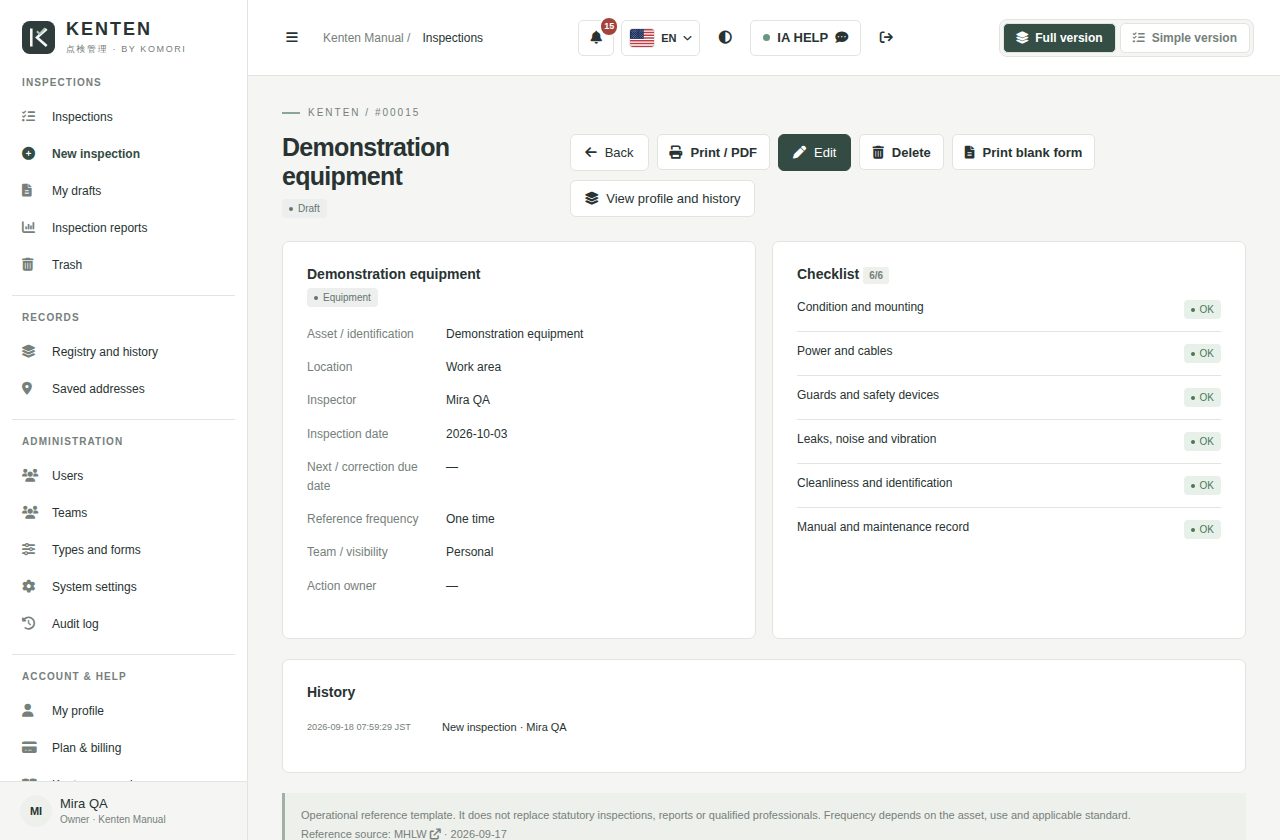
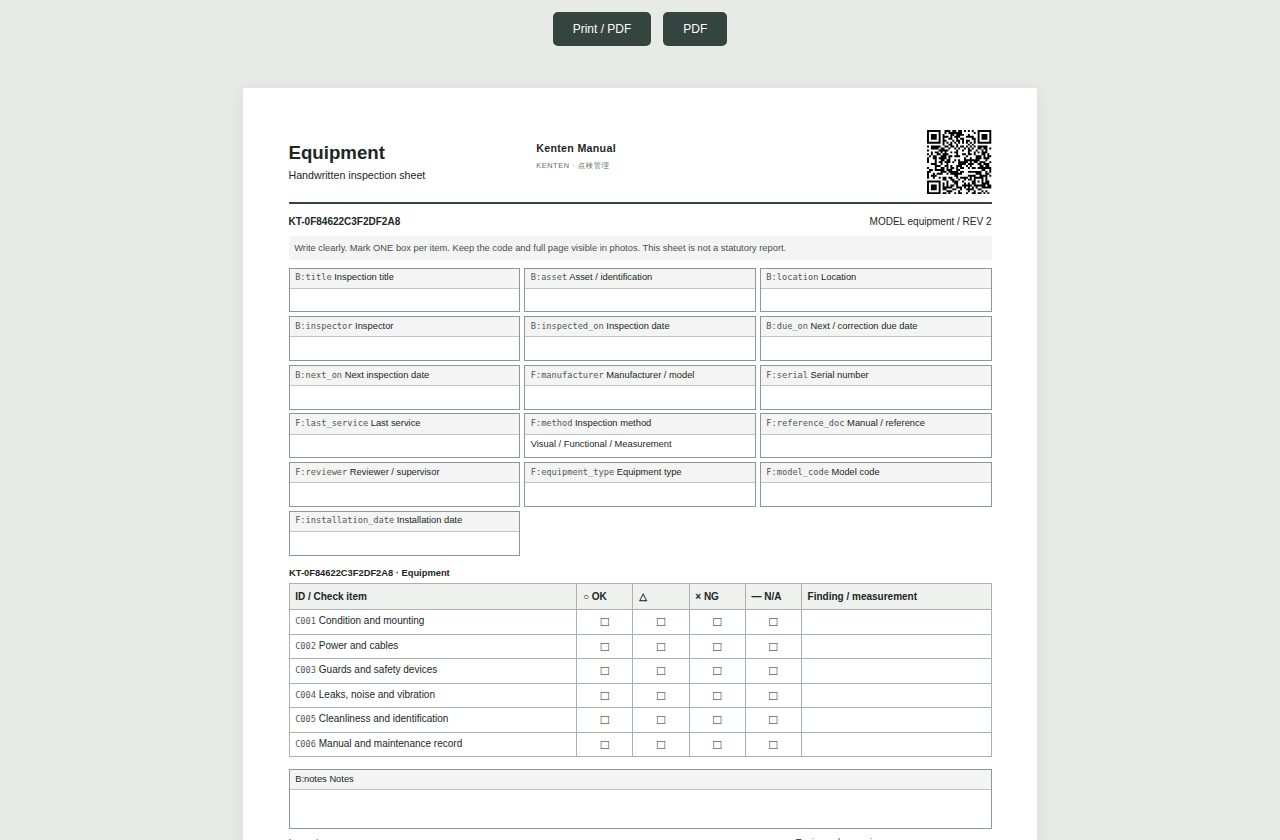
Print a form, complete it on site and upload a photo for reading. Review before saving.
 Kenten
Clarify the current problem before presenting the solution.
Help sales identify the right customer quickly.
Equipment requiring daily checks and maintenance history.
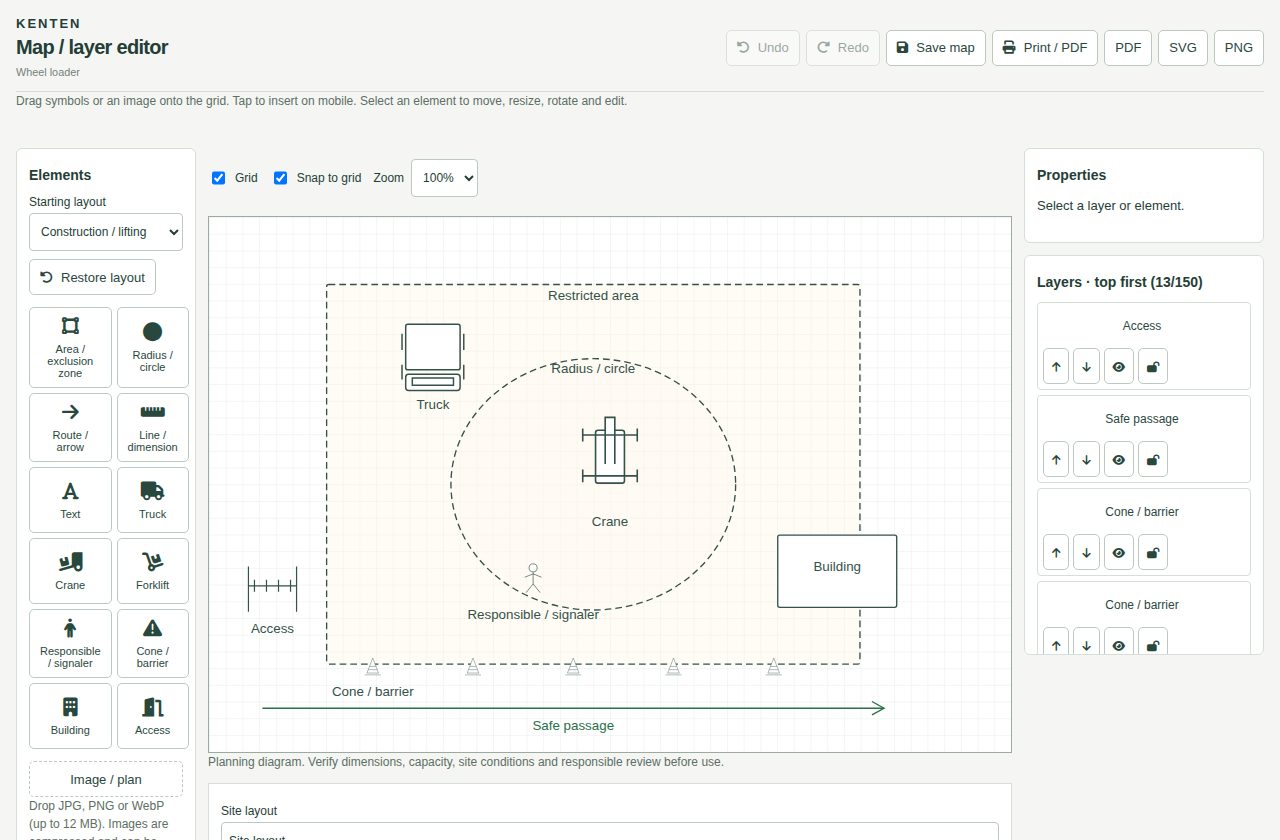
Inspections, evidence and optional Business maps.
Continue checks per vehicle without registering it again.
Recurring checklists and team procedures.
Connect the conversation to situations already hurting operations.
Register equipment once. Next time, choose the item and record today’s results.
Vehicles, machinery, construction, facilities and services, organized by category.
Select results and confirm. Add photos and notes when needed.
Review previous records, compare outcomes and filter by date, inspector and status.
KentenUse this page to connect each capability to a real customer problem.
Register equipment once. Next time, choose the item and record today’s results.
Paper, A4 and OCRVehicles, machinery, construction, facilities and services, organized by category.
Teams and maps by planSelect results and confirm. Add photos and notes when needed.
Register once, inspect every day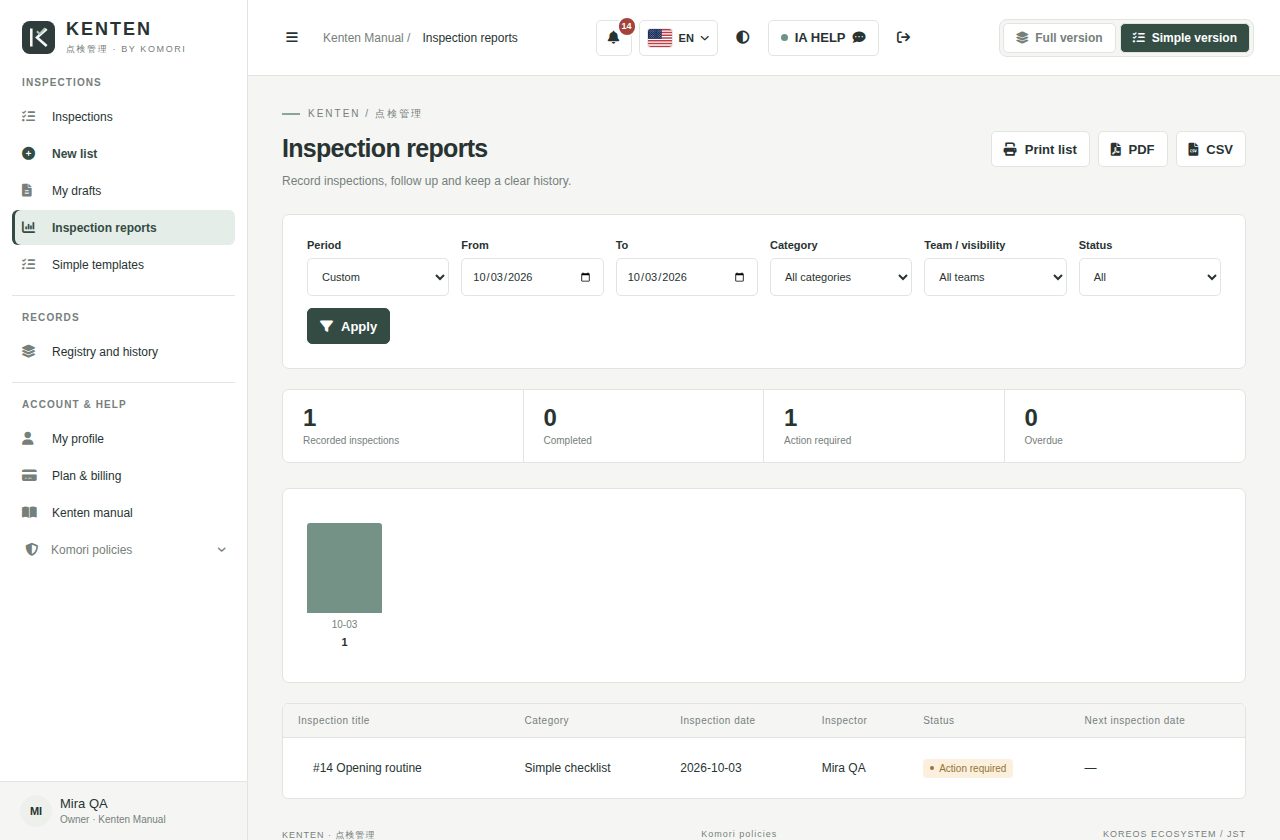
Review previous records, compare outcomes and filter by date, inspector and status.
Ready-to-select templates
Print a form, complete it on site and upload a photo for reading. Review before saving.
One-tap answersStart adds teams and custom templates. Business includes map uploads and layer editing.
Register once, inspect every dayKentenFollow the numbers: show the image, explain the benefit and connect it to the customer routine.
Register equipment once. Next time, choose the item and record today’s results.
Vehicles, machinery, construction, facilities and services, organized by category.
Select results and confirm. Add photos and notes when needed.
Review previous records, compare outcomes and filter by date, inspector and status.
Print a form, complete it on site and upload a photo for reading. Review before saving.
Start adds teams and custom templates. Business includes map uploads and layer editing.
KentenA simple guide to explain who does what and what the customer receives at each stage.
Enter company and contact details, verify your email and get a Free workspace.
→ One-tap answersChoose a category and use a ready checklist for your routine.
→ History and reportsAnswer, confirm and review the history. Continue the next day without registering everything again.
→ Paper, A4 and OCRShow the link between daily work, the record and the business benefit.
Without itType everything again
→With itChoose an item and check
Without itScattered photos and paper
→With itHistory per item
Without itManual review
→With itFilters, reports and printing
KentenThe solution works best when Komori and the customer clearly understand their commitments.
The individual agreement prevails on the same subject, and no document limits mandatory statutory rights.
Use, accounts, data, AI, cancellation and liability.
守Processed data, purpose, retention and rights.
安Safeguards and shared responsibilities.
商Price, payment, delivery, cancellation and refunds.
送Cookies, external providers, sent data and purpose.
規One place to always consult the current version.
KentenAsk, listen and only then connect the product to the need.
What needs inspection and how often?
How many people will record and review?
Which forms are already used on site?
Do you need maps, photos or just checklists?
Short, honest and safe answers for sales conversations.
No. Customers sign in with email and password. Internal KOREOS users retain SSO.
No. It is an optional Business feature. Upload a map or draw it in layers.
They are adaptable operational references. The responsible person checks applicable requirements, frequency and qualifications.
Registration starts on Free. A paid subscription requires checkout. Displayed prices include 10% tax.
Paid plans let you purchase seats beyond the included limit under Plan and billing. Each extra user costs ¥500/month including tax. Review the total and prorations before confirming. Seats renew until you reduce the purchased quantity; deactivating a person frees a seat but does not reduce billing. Unavailable on Free.
Explain what happens after the customer says yes.
Enter company and contact details, verify your email and get a Free workspace.
Choose a category and use a ready checklist for your routine.
Answer, confirm and review the history. Continue the next day without registering everything again.
KentenMake pricing, terms and the next step completely clear.
Monthly prices in yen, including 10% tax. Features and limits depend on the plan. Check the current offer during registration.
Collect this information for an accurate proposal.
Company and decision maker
Number of users, sites or teams
Priority problem and current process
Desired start date
Integrations, equipment or special conditions
Less typing in the field. More clarity for managers.
KOMORI株式会社Phone0532-35-9001
Email[email protected]
Websiteits-komori.com