
 available · v1.2.0
 available · v1.2.0
An organized inbox
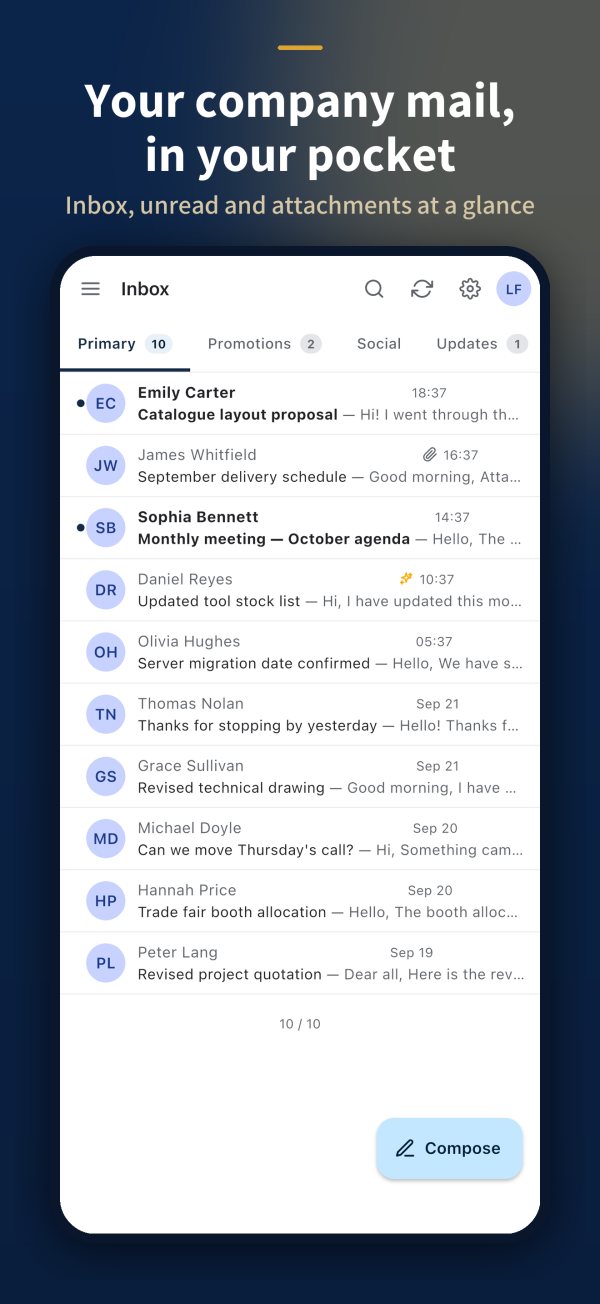
Inbox, sent, drafts and your own folders, with tabs, grouped threads, stars and bulk actions.
 KoMail
Inbox, attachments, server search, folders, calendar and contacts on your company domain — with AI to summarize and translate.


Four outcomes customers can understand immediately.
Inbox, sent, drafts and your own folders, with tabs, grouped threads, stars and bulk actions.
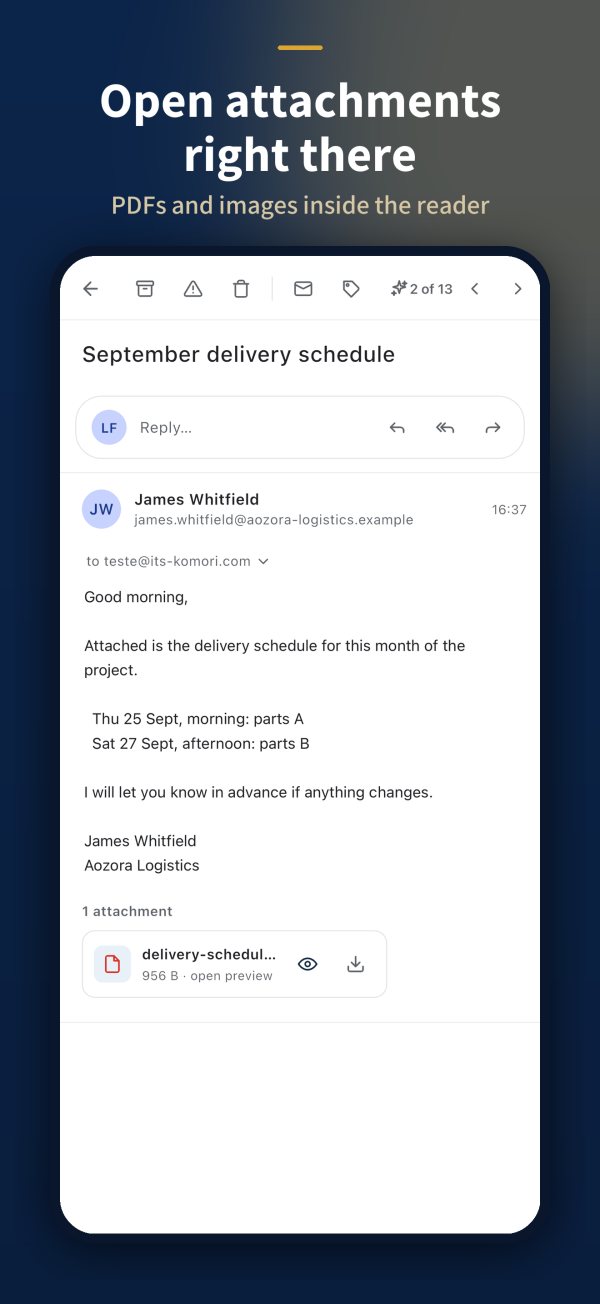
Open PDFs, images and Office files while reading and download when needed.
Search sender, subject and body across the whole mailbox, not only what is on the device.
Summarize long messages, translate and draft replies with AI.
 KoMail
Clarify the current problem before presenting the solution.
Help sales identify the right customer quickly.
Staff using personal email for work.
Translate and summarize messages with AI.
Attachments, search and calendar in the app too.
Same signature and the same AI as the system.
Connect the conversation to situations already hurting operations.
Inbox, sent, drafts and your own folders, with tabs, grouped threads, stars and bulk actions.
Open PDFs, images and Office files while reading and download when needed.
Search sender, subject and body across the whole mailbox, not only what is on the device.
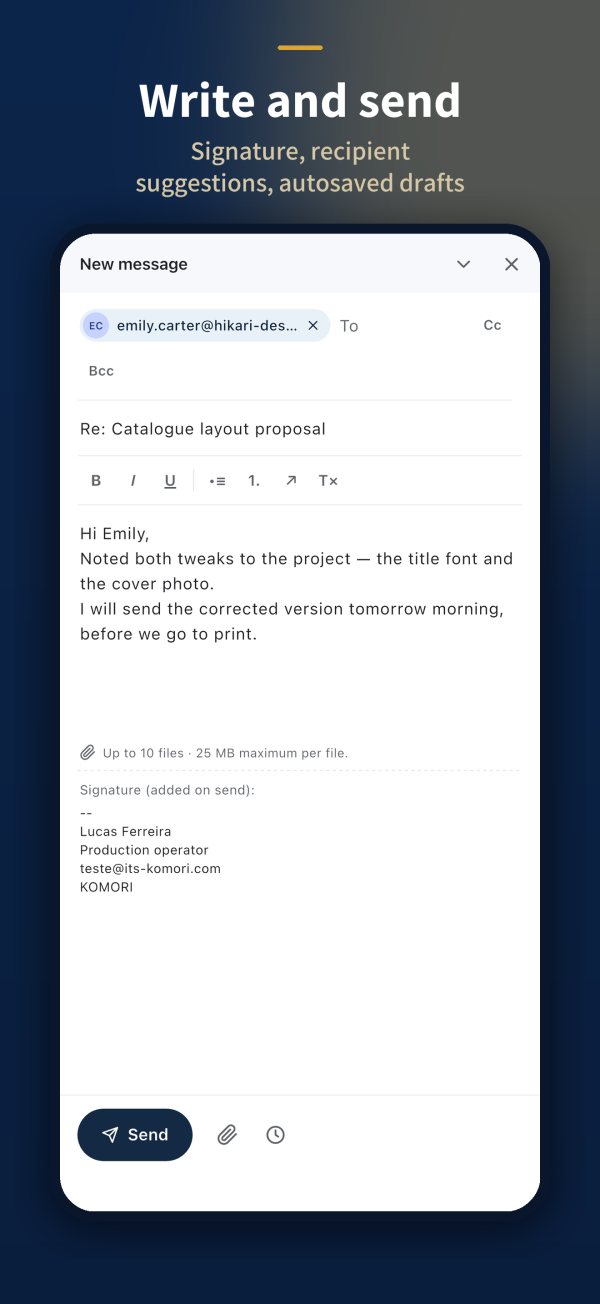
Recipient suggestions, auto-saved drafts, company signature and scheduled sending.
KoMailUse this page to connect each capability to a real customer problem.
Inbox, sent, drafts and your own folders, with tabs, grouped threads, stars and bulk actions.
InboxOpen PDFs, images and Office files while reading and download when needed.
Reading with attachmentSearch sender, subject and body across the whole mailbox, not only what is on the device.
SearchRecipient suggestions, auto-saved drafts, company signature and scheduled sending.
Compose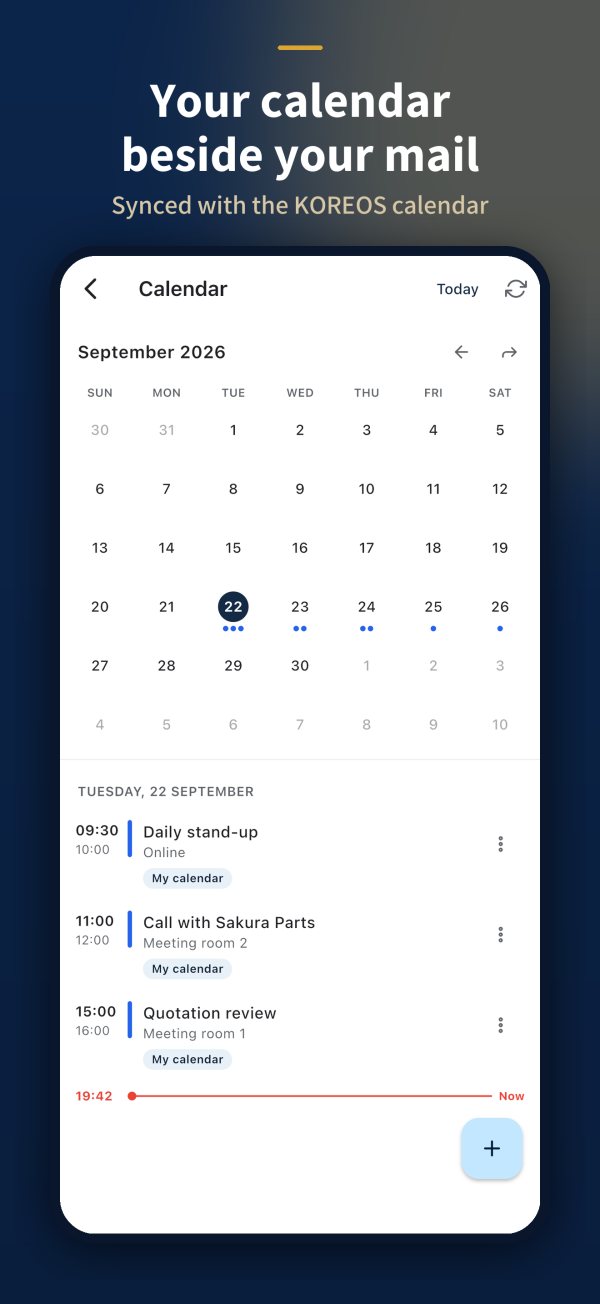
Appointments and contacts next to your mail, in the same app.
Calendar
Summarize long messages, translate and draft replies with AI.
Desktop useKoMailFollow the numbers: show the image, explain the benefit and connect it to the customer routine.
Tabs, grouped threads and bulk actions.
Open the PDF without leaving the email.
Find old mail by sender, subject or body.
Recipient suggestions, signature and scheduled send.
Appointments in the same app as email.
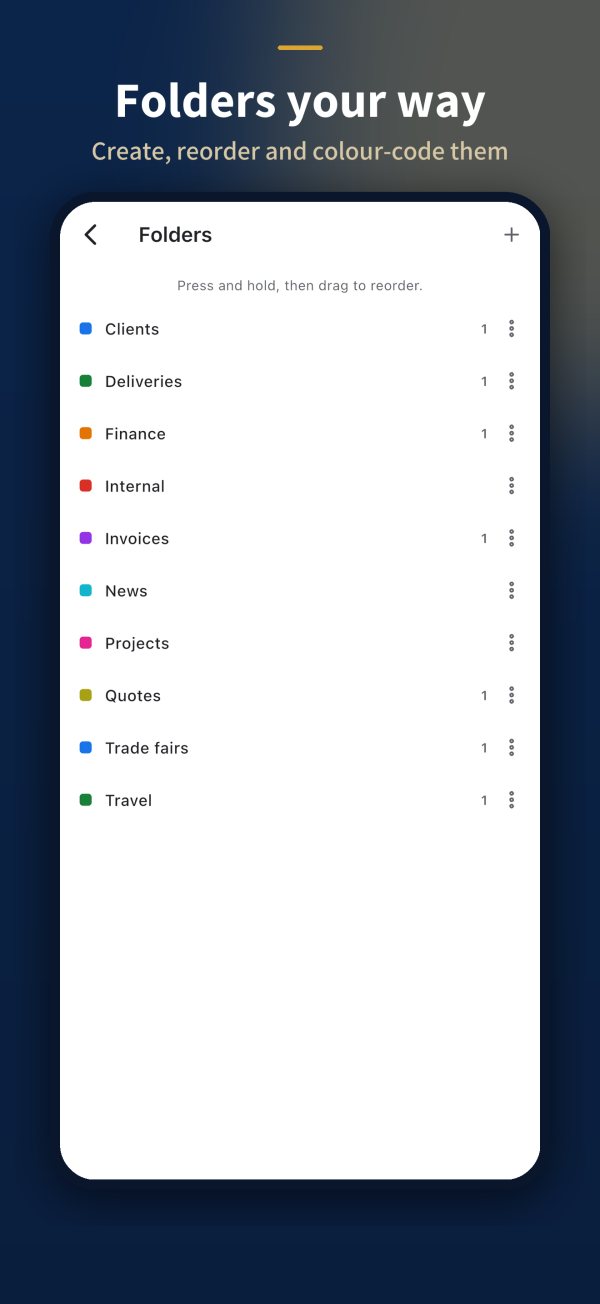
Personal folders, the same in browser and phone.
KoMailA simple guide to explain who does what and what the customer receives at each stage.
We map the company domain, mailboxes and shared addresses.
→ ComposeWe create mailboxes and signatures and plan the switch with the team.
→ FoldersEveryone signs in from the browser or app with the account issued by the company.
→ InboxShow the link between daily work, the record and the business benefit.
Without itOnly finds what is on the device
→With itServer search across the mailbox
Without itCopy and paste into a translator
→With itTranslate and summarize in the email
Without itPersonal addresses used for work
→With itMailboxes on the company domain
KoMailThe solution works best when Komori and the customer clearly understand their commitments.
The individual agreement prevails on the same subject, and no document limits mandatory statutory rights.
Use, accounts, data, AI, cancellation and liability.
守Processed data, purpose, retention and rights.
安Safeguards and shared responsibilities.
商Price, payment, delivery, cancellation and refunds.
送Cookies, external providers, sent data and purpose.
規One place to always consult the current version.
KoMailAsk, listen and only then connect the product to the need.
Which domain and how many mailboxes?
Does staff use personal email for work?
Do you receive email in other languages?
Do you need to read and reply from the phone?
Short, honest and safe answers for sales conversations.
No. Accounts are issued by the company, on its own domain.
Yes. Search runs on the server: sender, subject and body.
No. The AI acts only when asked: summarize, translate or draft.
They are being published on the App Store and Google Play. Browser access is already available.
Explain what happens after the customer says yes.
We map the company domain, mailboxes and shared addresses.
We create mailboxes and signatures and plan the switch with the team.
Everyone signs in from the browser or app with the account issued by the company.
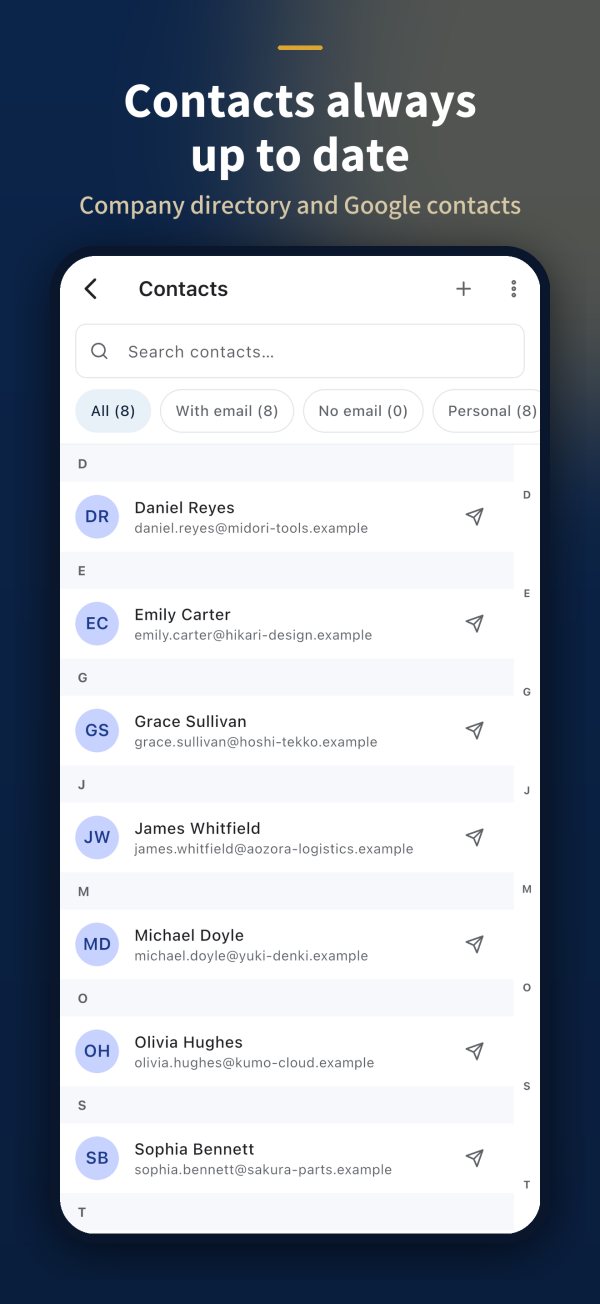
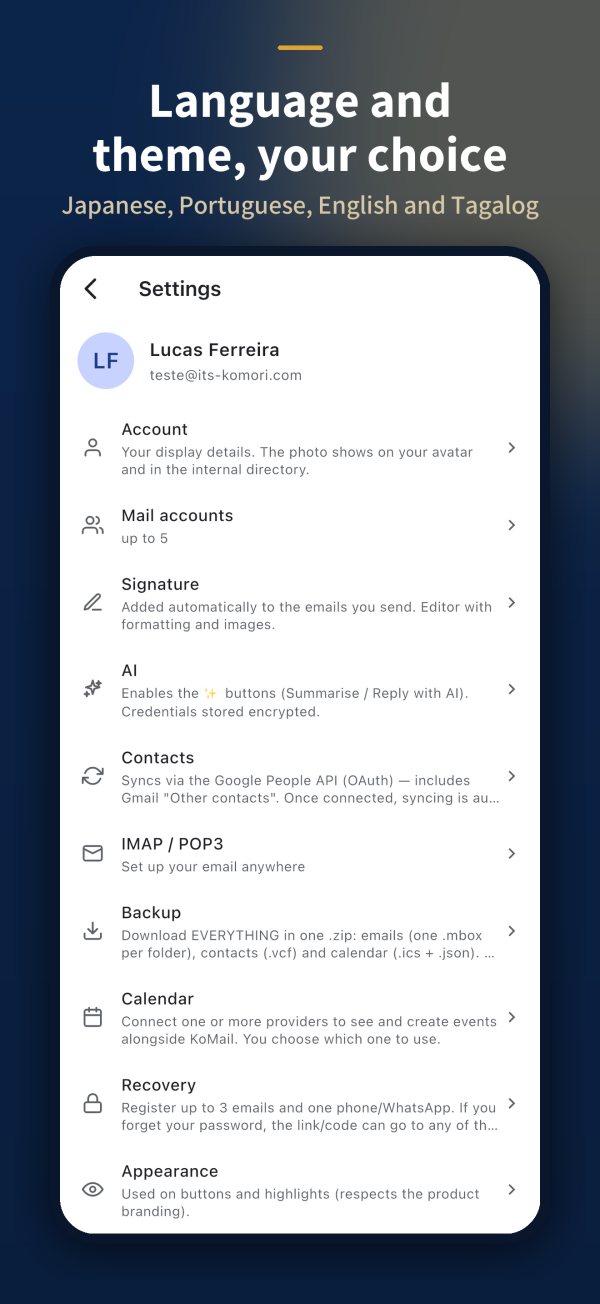 KoMail
Make pricing, terms and the next step completely clear.
Pricing is quoted by number of mailboxes, storage and AI use.
Collect this information for an accurate proposal.
Company and decision maker
Number of users, sites or teams
Priority problem and current process
Desired start date
Integrations, equipment or special conditions
The same email in the browser and on the phone, with accounts controlled by the company.
KOMORI株式会社Phone0532-35-9001
Email[email protected]
Websiteits-komori.com