 available · v1.79.0

 available · v1.83.0

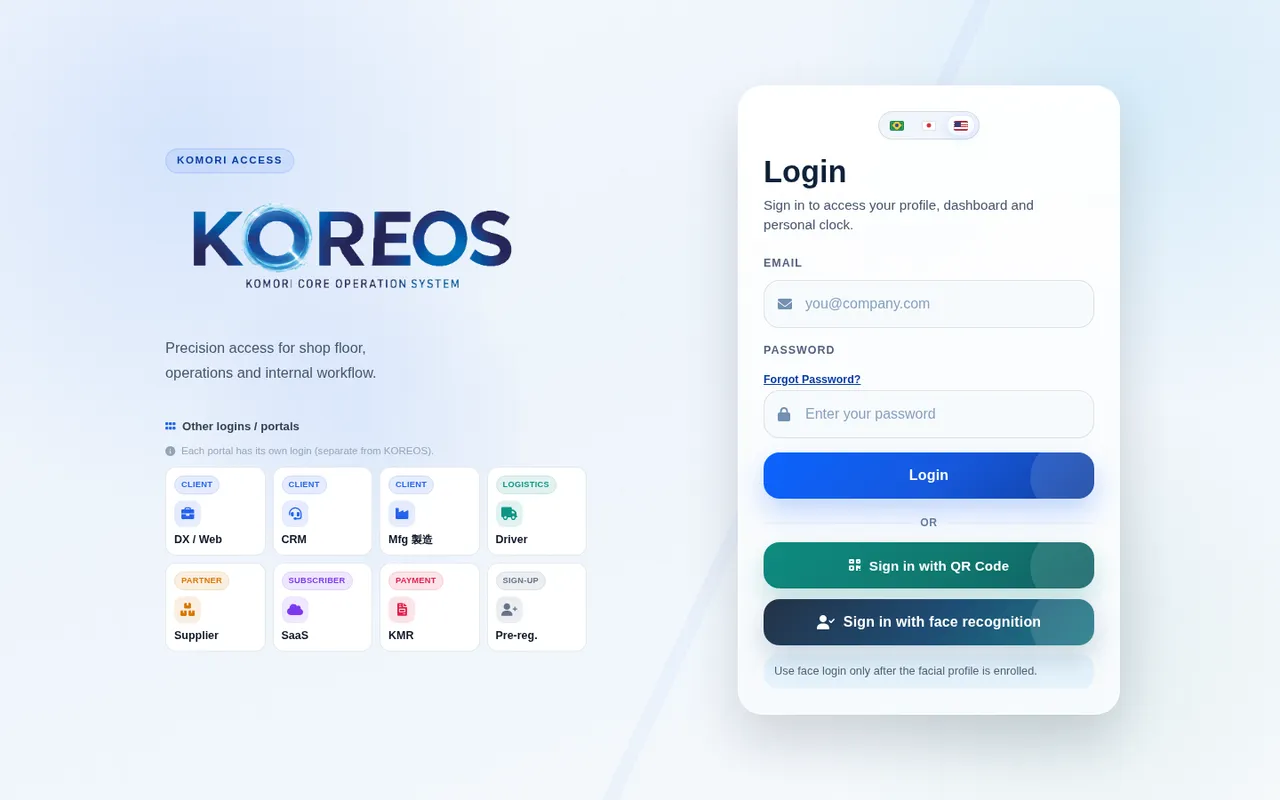
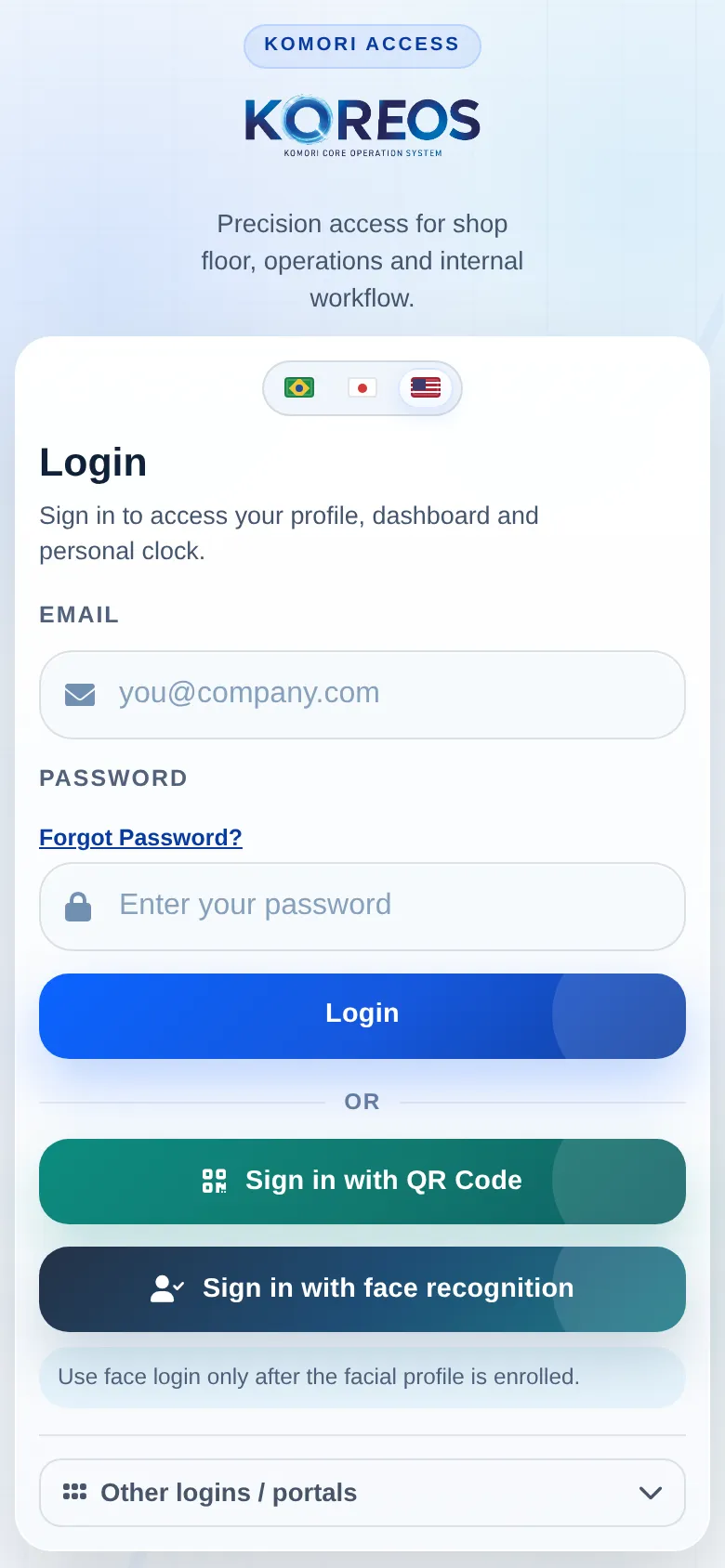
One login, many modules
Teams find work, communication and documents in one environment.
 KOREOS
Centralize people, customers, tasks, tickets, documents, approvals and knowledge in one modular platform.


Four outcomes customers can understand immediately.
Teams find work, communication and documents in one environment.
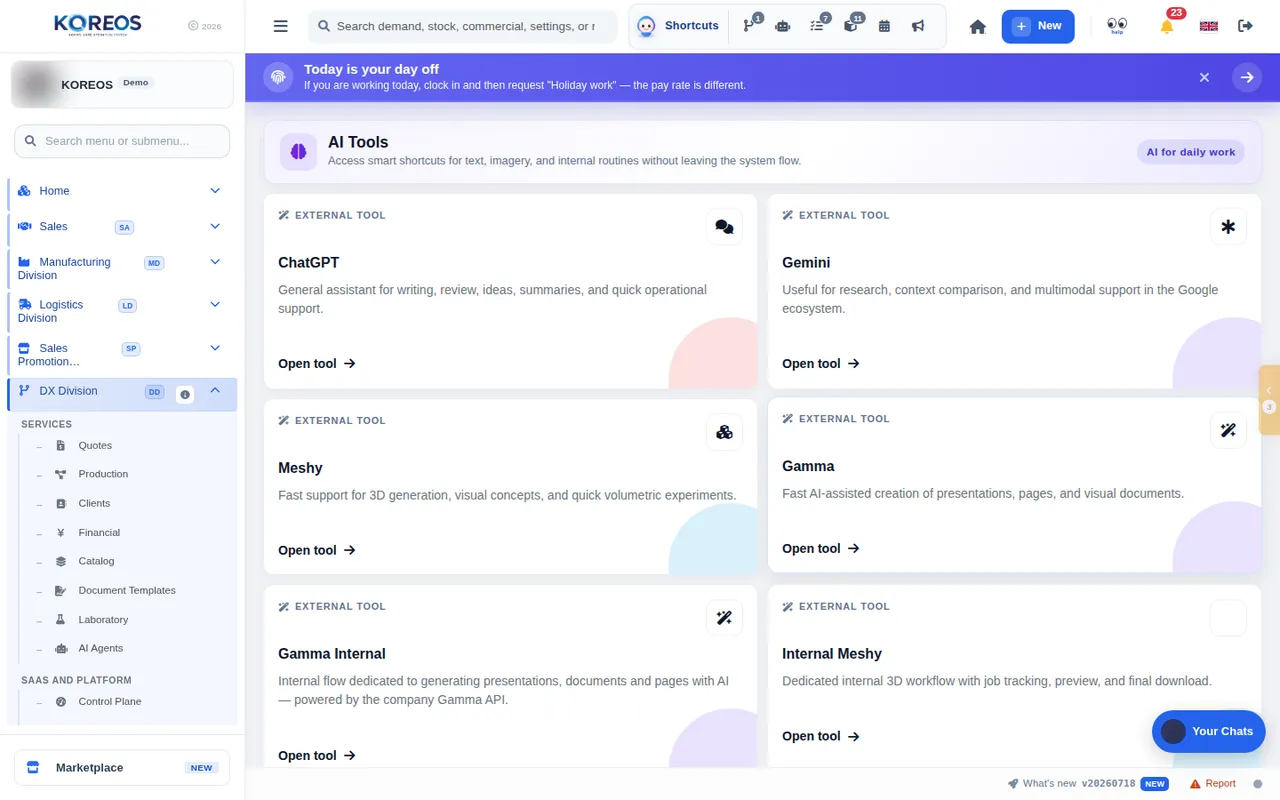
Agents help search, guide and execute controlled routines.
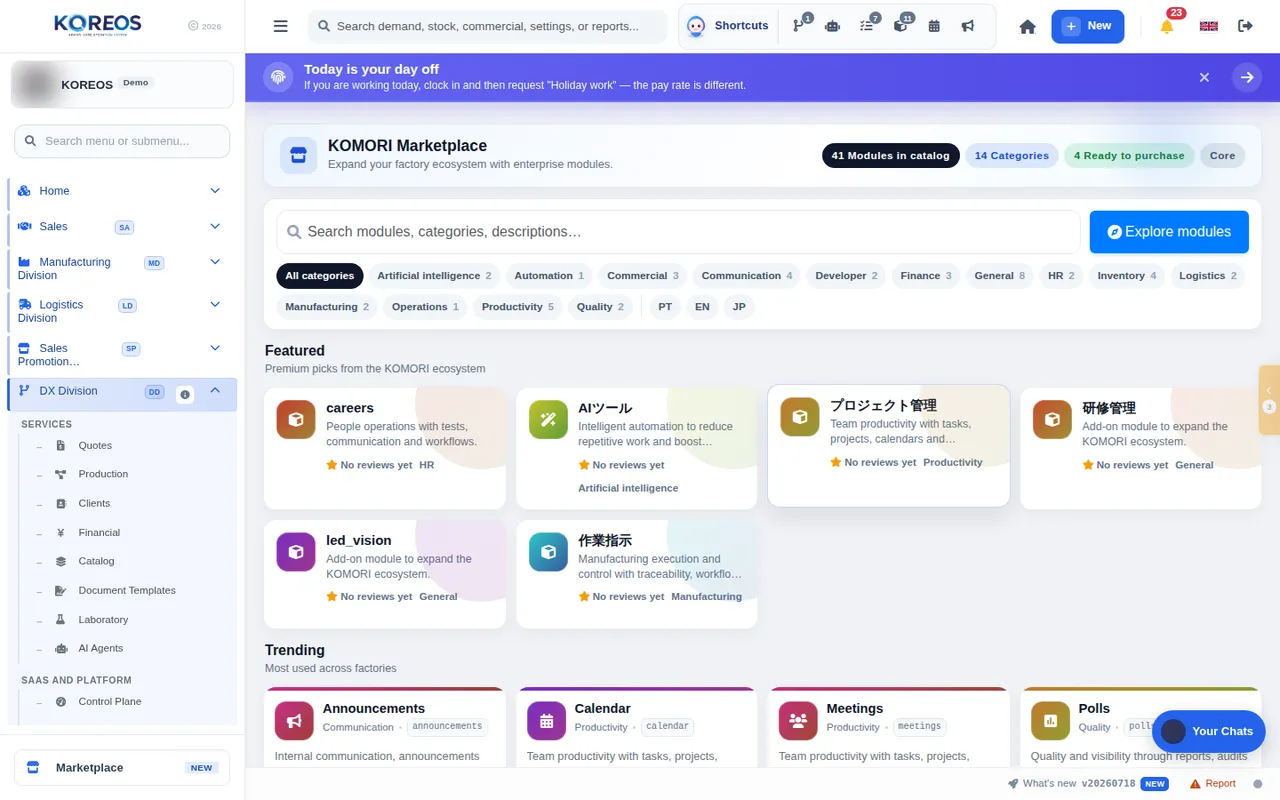
Enable capabilities as the business grows and changes.
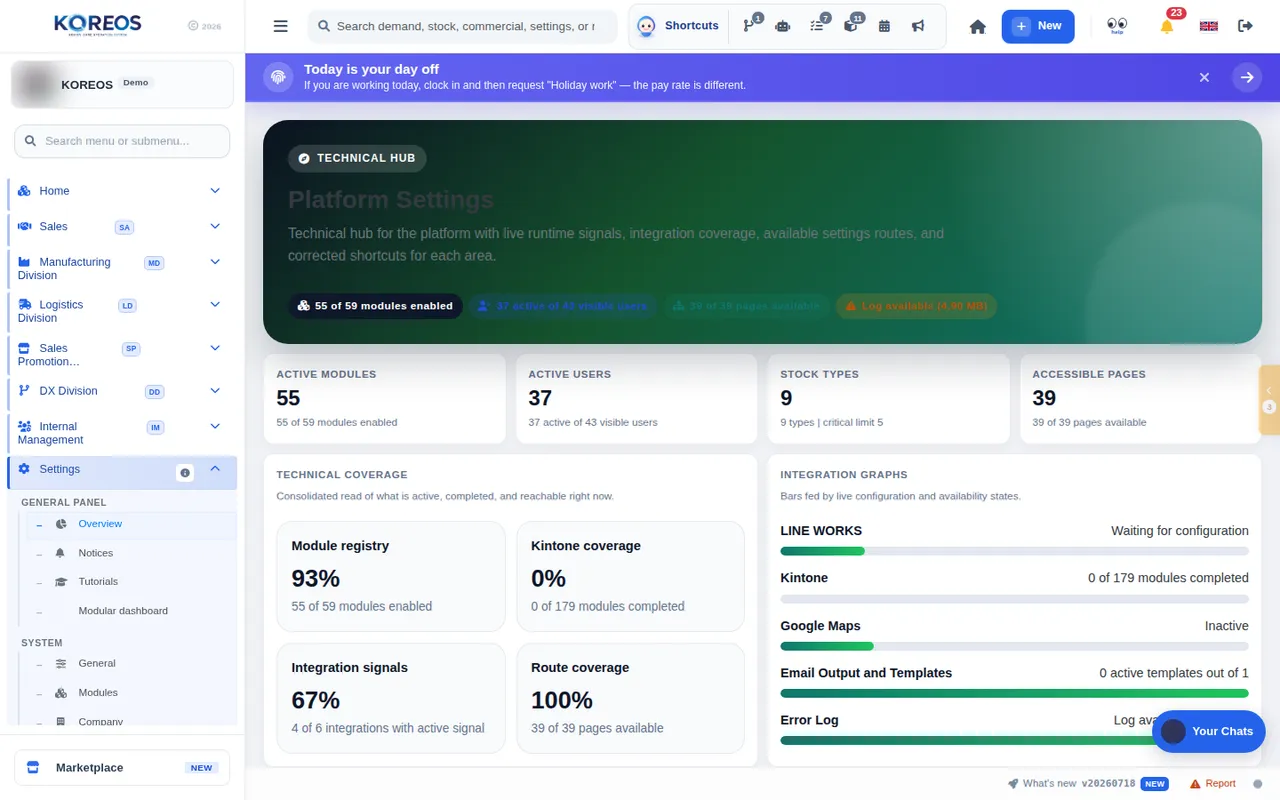
Manage permissions, teams and policies in one place.
 KOREOS
Clarify the current problem before presenting the solution.
Help sales identify the right customer quickly.
Want communication, management and documents connected.
Need clear ownership, status and history.
Agents work within permissions and context.
Start with priority modules and expand later.
Connect the conversation to situations already hurting operations.
The workflow records owner, due date, status and confirmation.
Documents, history and search stay connected.
Profiles and modules use centralized access management.
Agents receive specific roles, sources and limits.
KOREOSUse this page to connect each capability to a real customer problem.
Profiles, teams, departments and access.
Plans and modulesTickets, follow-up and confirmation.
Mobile experienceOwners, deadlines and execution.
CollaborationConversations tied to work context.
AnalyticsSpecialized support within access boundaries.
Work environmentCapabilities enabled as needed.
Connected knowledgeKOREOSFollow the numbers: show the image, explain the benefit and connect it to the customer routine.
Explain that each person sees modules and data according to role.
Present different roles and highlight each agent access boundary.
Show that capabilities can be added without changing platforms.
Explain teams, permissions, policies and central administration.
Connect user count, modules and implementation to the right plan.
Reinforce that specific routines can have simplified field experiences.
KOREOSA simple guide to explain who does what and what the customer receives at each stage.
We map teams, routines, permissions and required modules.
→ MarketplaceWe prepare the environment, access and initial data.
→ SettingsWe train owners and expand usage in stages.
→ Plans and modulesShow the link between daily work, the record and the business benefit.
Without itScattered across tools
→With itUnified search and history
Without itLost in messages
→With itFlow, owner and status
Without itDifferent in every system
→With itRole and module based
Without itData without context
→With itDashboards, alerts and AI
KOREOSThe solution works best when Komori and the customer clearly understand their commitments.
The individual agreement prevails on the same subject, and no document limits mandatory statutory rights.
Use, accounts, data, AI, cancellation and liability.
守Processed data, purpose, retention and rights.
安Safeguards and shared responsibilities.
商Price, payment, delivery, cancellation and refunds.
送Cookies, external providers, sent data and purpose.
規One place to always consult the current version.
KOREOSAsk, listen and only then connect the product to the need.
Which tools does the team open every day?
Where do requests and approvals usually stall?
Who should access which information?
Which process should be the first implementation module?
Short, honest and safe answers for sales conversations.
No. KOREOS is modular and can start with priority workflows.
No. Agents respect the permissions and context defined for each role.
Yes. It is web-based and includes experiences adapted to each routine.
User count and implementation scope guide the proposal.
Explain what happens after the customer says yes.
We map teams, routines, permissions and required modules.
We prepare the environment, access and initial data.
We train owners and expand usage in stages.
KOREOSMake pricing, terms and the next step completely clear.
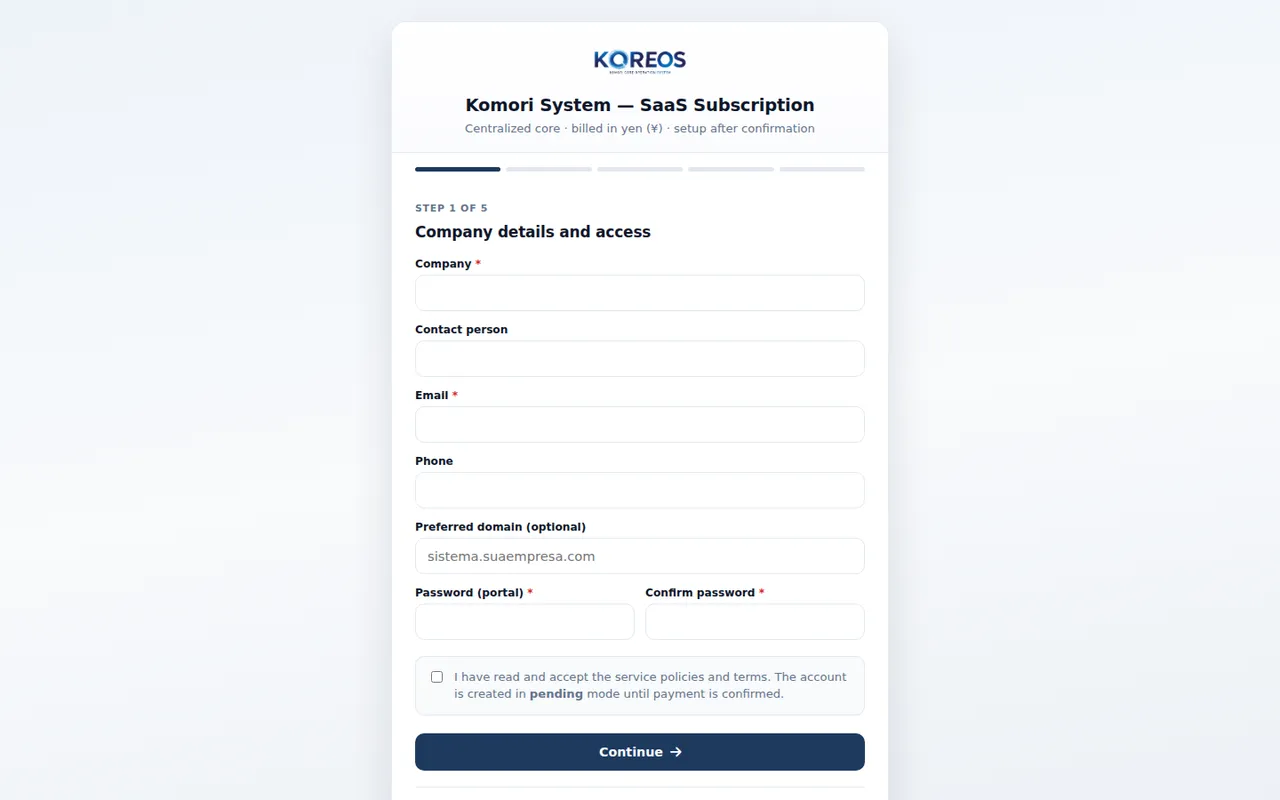
Monthly and setup prices are shown tax included.
Collect this information for an accurate proposal.
Company and decision maker
Number of users, sites or teams
Priority problem and current process
Desired start date
Integrations, equipment or special conditions
Expand module by module without losing the big picture.
KOMORI株式会社Phone0532-35-9001
Email[email protected]
Websiteits-komori.com